

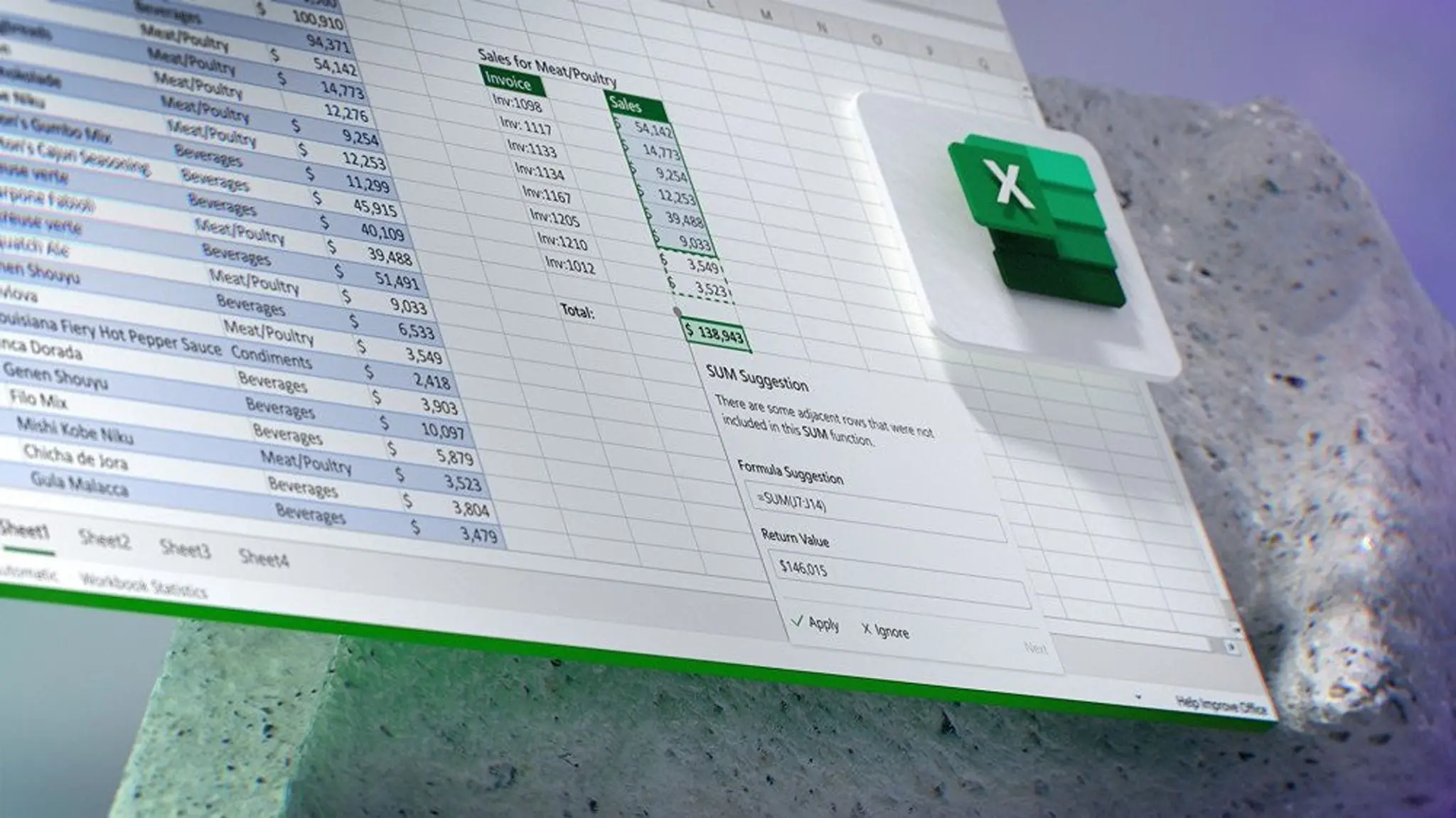
Microsoft's aggressive push to integrate AI into its Office suite has hit a nerve with Excel users. A new Copilot button, embedded directly into the Excel interface, cannot be removed or hidden, prompting an outcry from professionals who rely on the software for complex data analysis. Users have taken to forums and social media to describe the feature as an "atrocious implementation" that prioritizes corporate AI strategy over user experience.
What is the Copilot button?
The Copilot button appears as a persistent icon in the Excel ribbon, typically near the top of the window. It is designed to launch Microsoft's AI-powered assistant, which can help with tasks such as generating formulas, creating charts, and analyzing data. However, unlike most toolbar buttons, this one cannot be customized or removed through standard settings. Users have reported that even after attempting to hide or disable it via registry edits or group policies, the button reappears after updates.
User frustration mounts
Excel power users, including financial analysts, data scientists, and accountants, have voiced strong objections. Many argue that the button consumes valuable screen real estate, especially on smaller monitors where every pixel counts. Others complain that the AI suggestions are often irrelevant or incorrect, leading to more time spent correcting errors than saving time. One Reddit user wrote: "I don't want an AI to guess what I'm doing. I want my spreadsheet to stay clean and predictable."
The backlash is not limited to Excel. Microsoft has similarly integrated Copilot into Word, PowerPoint, and Outlook, but the Excel case is particularly acute because spreadsheet work often requires precision and minimal distractions. The unremovable nature of the button feels to many like a violation of user agency. "It's my computer, my software, and my workflow. Microsoft should not force a feature on me," said a long-time Excel consultant in an online comment.
Microsoft's AI strategy
This move is part of Microsoft's broader strategy to embed AI across its product ecosystem. CEO Satya Nadella has repeatedly emphasized that AI is the next major platform shift, and the company is investing billions in tools like Copilot to stay competitive with Google and OpenAI. The Excel feature was rolled out gradually to Microsoft 365 subscribers starting in late 2023, but recent updates have made it more persistent.
Microsoft's official documentation states that the Copilot button is "designed to help you work faster and smarter" and that users can minimize it by collapsing the ribbon. However, many users find these workarounds insufficient. The button remains visible even when the ribbon is collapsed, occupying a fixed position in the title bar area. This has led to accusations that Microsoft is prioritizing feature adoption metrics over user satisfaction.
Comparisons to past controversies
This is not the first time Microsoft has faced backlash over intrusive UI changes. The introduction of the Ribbon interface in Office 2007 was initially met with resistance, though it eventually became standard. More recently, Windows 10 and 11 have faced criticism for forced updates, ads in the Start menu, and data collection practices. The Copilot button controversy fits a pattern of Microsoft asserting control over the user experience to drive its strategic goals.
Some users have resorted to third-party tools to remove the button, such as using resource hacker utilities or modifying DLL files. These methods are not officially supported and can lead to instability or violation of license agreements. Microsoft has not provided an official way to disable the button, leading to speculation that the company may eventually offer a toggle in settings—but only after sufficient public pressure.
Impact on productivity
For many professionals, Excel is not just a tool but a critical part of their daily workflow. The unremovable Copilot button can slow down tasks by adding visual clutter and occasionally popping up suggestions at inopportune moments. Some users report that the button triggers AI queries based on accidental clicks, wasting time and disrupting concentration. In high-stakes environments like financial modeling or scientific research, such interruptions can have real costs.
Productivity expert Laura Mae of SpreadsheetPro noted: "Microsoft is solving a problem that doesn't exist. Excel users who want AI assistance will seek it out. Forcing it on everyone only breeds resentment and drives users to look for alternatives." Indeed, some have started exploring competitors like Google Sheets, Apple Numbers, or even open-source solutions like LibreOffice Calc. However, many organizations are locked into Microsoft 365 due to compatibility and policy constraints.
The bigger picture: AI trust issues
The controversy also reflects broader concerns about AI reliability and trust. Copilot in Excel uses large language models to generate suggestions, but these models can produce plausible-sounding but incorrect results. For spreadsheet tasks that involve sensitive data or complex logic, users are understandably wary. An AI that inserts a wrong formula could lead to significant errors in reports or analyses. The button's forced presence feels like an endorsement of a technology that many are not ready to adopt.
Microsoft has defended Copilot by highlighting success stories, such as users who saved hours on data cleaning tasks. But the negative reactions suggest a disconnect between the company's vision and user reality. As one IT manager put it: "We pay for Excel to do spreadsheets, not to be a guinea pig for Microsoft's AI experiments."
What can users do?
Until Microsoft changes its policy, users are left with limited options. Some have switched to older versions of Excel that lack the Copilot button, but those versions are not supported for security updates. Others have filed feedback through Microsoft's official channels, hoping that enough complaints will lead to a change. A Change.org petition has gathered thousands of signatures, demanding that Microsoft allow users to hide or remove the button.
Enterprise customers may have more leverage. Large organizations using Microsoft 365 can request custom policies through group policy management, but this requires IT department involvement and may not work for individual users. Some have resorted to blocking the Copilot service entirely via firewall rules, though that can break other legitimate features.
Potential future developments
Microsoft has a history of eventually yielding to user pressure after initial resistance. For example, the company walked back on some Windows 10 privacy concerns and allowed more control over updates. It is possible that a future update will include a setting to hide the Copilot button, especially if the backlash affects subscription renewal rates. However, given the strategic importance of AI to Microsoft's roadmap, any concession may come with trade-offs.
Industry analysts suggest that Microsoft may need to find a middle ground—perhaps a docking option that moves the button to a less intrusive location, or a contextual trigger that only appears when relevant. Another possibility is offering a “classic view” mode for power users who prefer a minimalist interface. Whatever the solution, the current situation highlights the challenges of integrating AI into mature software products without alienating the user base.
In the meantime, Excel users continue to express their dissatisfaction. The phrase "atrocious implementation" has become a rallying cry on tech forums, summing up the frustration of many. Microsoft's gamble that AI would be welcomed with open arms has backfired, at least for now. The company now faces a choice: listen to its users or double down on its AI-first strategy. How Microsoft navigates this controversy will likely set a precedent for future AI integrations across the entire Office suite.
Source: Windows Central News