

Microsoft’s Windows 11 journey continues with the upcoming version 25H2, expected to roll out in the second half of 2025. While the company has not yet announced an official release date, historical patterns and insider leaks suggest a preview build for Windows Insiders could arrive as early as spring 2025, with a general availability launch in September or October. This release builds upon the foundation laid by version 24H2 and introduces a host of features aimed at productivity, security, and user experience.
What is Windows 11 version 25H2?
Windows 11 version 25H2 is the next annual feature update for Microsoft's operating system. Following the naming convention (YYH2), 25H2 indicates the second half of 2025. It will be delivered as a full OS build, not just a cumulative update, meaning users can expect significant changes. Microsoft has committed to a single major feature update per year, and 25H2 will be the one for 2025.
Anticipated New Features
Revamped Start Menu and Taskbar
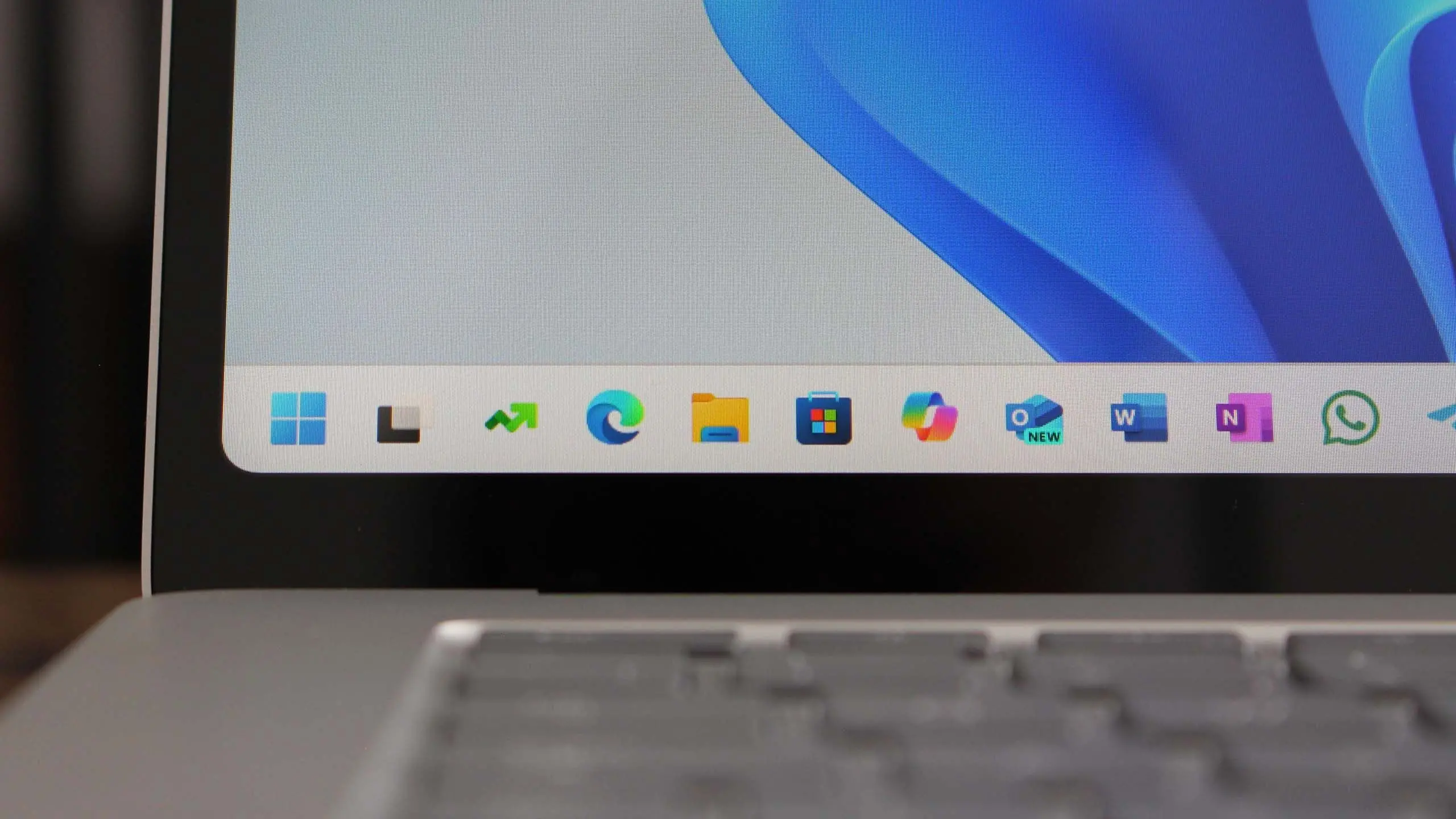
One of the most visible changes will be a redesigned Start menu. Early leaks suggest that Microsoft is experimenting with a “categories” view, grouping apps into folders like Productivity, Entertainment, and Utilities. The taskbar is also expected to receive long-awaited enhancements, including the ability to ungroup windows, drag and drop onto the taskbar, and a built-in battery percentage indicator for laptops.
Deep AI Integration with Windows Copilot
After introducing Copilot in 2024, Microsoft plans to deepen its AI assistant’s integration. Version 25H2 may feature Copilot as a system-wide sidebar that can control OS settings, summarize documents, and even generate images directly within the shell. A rumored “AI Explorer” tool could help users find files and emails using natural language queries. This aligns with Microsoft’s broader push to embed AI into every layer of Windows.
Enhanced Security and Privacy Controls
Security remains a top priority. Windows 11 25H2 is expected to introduce a new “Secure Core” mode that goes beyond standard TPM 2.0 and Secure Boot requirements. Additionally, Microsoft may expand its use of Pluton security processor integration, making it harder for malware to compromise credentials. Privacy-focused users will appreciate a new dashboard that gives granular control over telemetry, location tracking, and app permissions, all in one place.
Improved File Explorer and Context Menu
The File Explorer will receive further refinements. After the controversial redesign in earlier versions, Microsoft is reportedly adding tabs to the File Explorer permanently, along with a modernized context menu that is both faster and more extensible. Third-party developers will have better APIs to integrate their own commands without breaking the user experience.
Updated Hardware Requirements
While Windows 11 already requires relatively modern hardware, version 25H2 may raise the bar. Some insiders speculate that Microsoft will mandate the presence of an NPU (Neural Processing Unit) for full AI features to work. This could mean that PCs without an NPU will miss out on Copilot’s advanced capabilities. Minimum RAM and storage requirements might also increase to 8GB and 128GB respectively, though older hardware will still run basic 25H2 features.
Release Timeline and Channel Availability
Microsoft follows a predictable release pattern. The first preview builds for the Dev Channel should appear in early 2025. The Beta Channel will receive more stable builds around mid-year, and the Release Preview Channel will offer a near-final version in late summer. General availability typically occurs in October or November, aligning with Microsoft’s “Windows 11, version 25H2” designation. Enterprise customers will have access to LTSC (Long-Term Servicing Channel) versions a few months later.
Background and Context
Windows 11 launched in October 2021 as a free upgrade from Windows 10. Since then, Microsoft has delivered annual feature updates: version 22H2, 23H2, and 24H2. Each release built on the Fluent Design language, improved virtual desktop support, and added new widgets. Version 24H2 was notable for introducing Windows Copilot and a new Energy Saver mode. With 25H2, Microsoft aims to consolidate these innovations and address lingering user complaints about performance, especially on older hardware.
The OS market continues to evolve. Competitors like Apple’s macOS and various Linux distributions are gaining ground, but Windows still holds over 70% market share. Microsoft’s strategy with 25H2 is to make Windows indispensable for both consumers and enterprises by focusing on AI, security, and seamless cloud integration. The company has also been investing heavily in Windows on ARM, and 25H2 will likely bring better emulation and native app support for ARM64 devices, including those powered by Qualcomm Snapdragon X Elite chipsets.
What It Means for Users
For everyday users, Windows 11 25H2 promises a more intuitive and responsive interface. The AI tools could transform how people interact with their PCs, from drafting emails to managing files. Gamers will benefit from DirectX 12 Ultimate improvements and better Auto HDR support. IT administrators can expect streamlined deployment with Windows Autopatch and new Group Policy settings for AI features.
However, the push for AI also raises concerns. Users with older CPUs lacking NPUs may find that premium AI features are locked behind a hardware paywall. Microsoft has stated that it wants to make AI inclusive, but the economic reality of requiring new chips might force some users to upgrade. Additionally, privacy advocates are wary of deeper AI integration that could lead to more data collection. Microsoft has pledged to keep AI features local when possible, using tools like Windows Studio Effects entirely on-device.
Key Facts at a Glance
- Name: Windows 11 version 25H2
- Expected release: September–November 2025
- Preview availability: Early 2025 for Dev Channel Insiders
- Major features: AI Copilot enhancements, redesigned Start menu, secure core mode, File Explorer tabs, NPU requirement for full AI functionality
- Hardware requirements: Likely 8GB RAM, 128GB storage, TPM 2.0, Secure Boot, possibly NPU
- Compatibility: Free upgrade from Windows 11 24H2 and 23H2; Windows 10 users can upgrade but must meet hardware requirements
- Support lifecycle: 24 months for Home/Pro, 36 months for Enterprise/Education
Looking Ahead: Beyond 25H2
With version 25H2, Microsoft sets the stage for a more intelligent and secure Windows ecosystem. The company has hinted at a future “Windows 12” concept, but for now, the focus remains on iterative updates that keep the OS current. The success of 25H2 will depend on how well Microsoft balances innovation with stability, especially for enterprise customers who rely on predictable behavior. As always, early adopters are encouraged to test preview builds and provide feedback to shape the final product. The next chapter of Windows 11 is almost here, and it promises to bring the PC into the age of AI."
Source: Windows Central News