

The proliferation of premium AI tools has transformed how developers and writers work, but the cumulative cost of multiple subscriptions quickly becomes unsustainable. Services like ChatGPT Plus, Claude Pro, and Grammarly Premium each command around $20 per month, and heavy users often find themselves paying for two or three simultaneously. Cloud-based token pricing further inflates costs for experimentation and long editing sessions. A local large language model offers a permanent escape from this recurring expense.
The Real Cost of AI Subscriptions
Monthly charges for general-purpose chatbots alone can exceed $40. Add a specialized writing assistant like Grammarly at $12 per month, and annual outlay approaches $600. These costs are not trivial for freelancers, students, or small teams. Moreover, cloud AI services impose usage caps, rate limits, and feature restrictions that change at the provider's discretion. Data privacy concerns also arise when sensitive code or personal writing is processed on remote servers.
Local LLMs eliminate every one of these pain points. Once the hardware is purchased—often a used PC or a dedicated mini-server costing as little as $200—there are no further fees. Open-source models like Llama 3, Mistral, Qwen, and Phi-3.5 have matured to the point where they compete with or exceed the performance of subscription-based counterparts for common tasks such as code generation, grammar checking, and document summarization.
Hardware That Pays for Itself
A common misconception is that local AI requires a powerful, expensive workstation. In practice, a $200 refurbished office PC with 16GB of RAM and a decent CPU can run 3B-parameter models smoothly. For heavier models (e.g., 7B or 13B parameters), a dedicated GPU is beneficial but not mandatory. The initial hardware investment pays for itself within four months when compared to a $50/month multi-subscription setup.
Many users repurpose an old laptop or desktop as a dedicated AI server, connecting to it from their primary machine over the local network. This approach isolates the computational load and avoids slowdowns on the main device. Tools like Ollama and LM Studio facilitate remote access via APIs, enabling integration with code editors like VS Code or IntelliJ.
Step-by-Step Setup With GPT4All
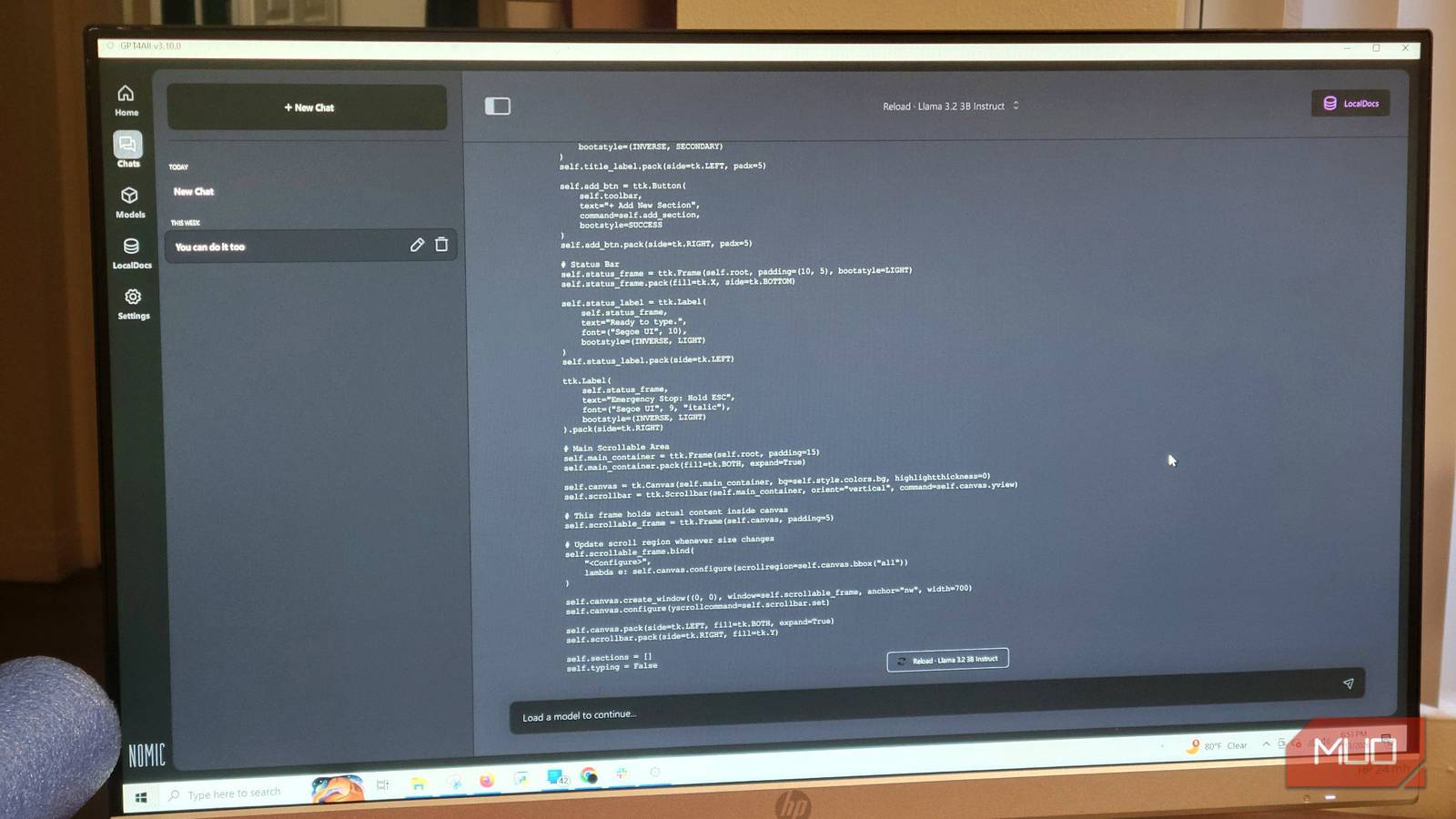
The easiest entry point for most users is GPT4All, a free, open-source desktop application available for Windows, macOS, and Linux. It provides a model hub for browsing and downloading hundreds of open-source LLMs without manual file handling.
1. Download and install GPT4All from the official website or GitHub repository.
2. Launch the application and navigate to the Model Hub tab.
3. Search for a model that fits your hardware. The Qwen2.5-Coder-3B model is an excellent choice for code-related tasks and runs efficiently on modest hardware.
4. Click the download button next to the chosen model. The progress is displayed within the app.
5. Once downloaded, switch to the Chat tab and select the model from the dropdown menu at the top.
6. Go to Settings > Model and increase the 'Max Length' parameter to 4096 tokens (or higher if your system has spare RAM). This allows the model to handle longer prompts and larger file contents.
7. Enable the local API in GPT4All's settings (typically under Server). This allows your code editor to communicate with the LLM.
With the model running, you can route code completion requests through the local API using plugins like Continue.dev for VS Code. The setup takes less than ten minutes and requires no command-line knowledge.
Replacing Three Applications
1. ChatGPT Plus / Claude Pro
These general-purpose chatbots cost $20/month each. Local alternatives like Qwen2.5-Coder, Llama 3 (8B), or Mistral (7B) handle code debugging, explanation, and brainstorming equally well. For conversational writing, the latest Phi-3.5 Mini produces natural, context-aware responses. Switching to a local model saves $240–$480 annually per service.
2. Grammarly Premium
Grammarly's $144/year subscription is easily replaced with a small local model like Microsoft's Phi-3.5 Mini or Qwen2.5-0.5B. These models correct grammar, suggest rephrasing, and improve clarity without sending text to external servers. Because processing is instantaneous and unlimited, you can iterate on paragraphs as many times as needed.
3. GitHub Copilot (or similar coding assistants)
Copilot costs $10–$19/month. Local coding models such as Qwen2.5-Coder-3B, CodeLlama, or StarCoder provide inline completions and code refactoring when integrated with editors via the local API. The suggestions are contextually aware and often superior for niche languages or frameworks not well-represented in cloud training data.
Privacy and Control Advantages
Running an LLM locally means your code, personal writing, and prompts never leave your machine. This is critical for developers working on proprietary software, writers handling confidential drafts, or anyone concerned about AI companies using submitted data for training. Local models also avoid sudden service changes—such as pricing hikes, feature removal, or deprecation of favorite models—that plague subscription services.
The open-source ecosystem ensures rapid innovation. New models are released weekly, often surpassing the quality of older paid offerings. Communities on Hugging Face, GitHub, and Reddit provide support and fine-tuned versions tailored to specific domains like legal, medical, or creative writing.
Expanding the Setup for Advanced Users
For those willing to invest a little more effort, running a dedicated server with Ollama and Open WebUI enables a ChatGPT-like interface accessible from any device on your network. Docker containers can host multiple models, allowing seamless switching between a lightweight Phi-3.5 for quick queries and a heavyweight Qwen-32B for complex analysis.
Retrieval-Augmented Generation (RAG) can be added using local vector databases like ChromaDB or FAISS. This gives the LLM access to your personal file repository—notes, manuals, codebases—without uploading anything. Tools like AnythingLLM or privateGPT simplify this process with graphical interfaces.
The combination of local inference and RAG effectively replaces not only chatbots and grammar tools but also cloud-based document search and knowledge management subscriptions. Spreadsheet formulas, email drafting, and even translation tasks become part of the same unified, local system.
Real-World Cost Savings Example
Assume a user subscribes to ChatGPT Plus ($20/mo), Claude Pro ($20/mo), and Grammarly Premium ($12/mo). Annual cost: $624. After a one-time $200 hardware purchase, the local setup runs indefinitely without additional fees. Over three years, savings exceed $1,600. Even accounting for electricity (~$30/year for a modest PC), the financial benefit is substantial.
Furthermore, local models improve with each new open-source release. Upgrading to a better model costs nothing but download time. The user is never locked into a deprecated tool or forced to accept feature cuts.
Once you experience the speed, privacy, and freedom of a local LLM, returning to paid subscriptions feels like paying a tax on inertia. The setup described here requires minimal technical skill and delivers immediate, recurring savings. Every paragraph checked, every code line suggested, and every document summarized happens without connecting to a cloud server or opening a billing portal.
Source: MakeUseOf News