

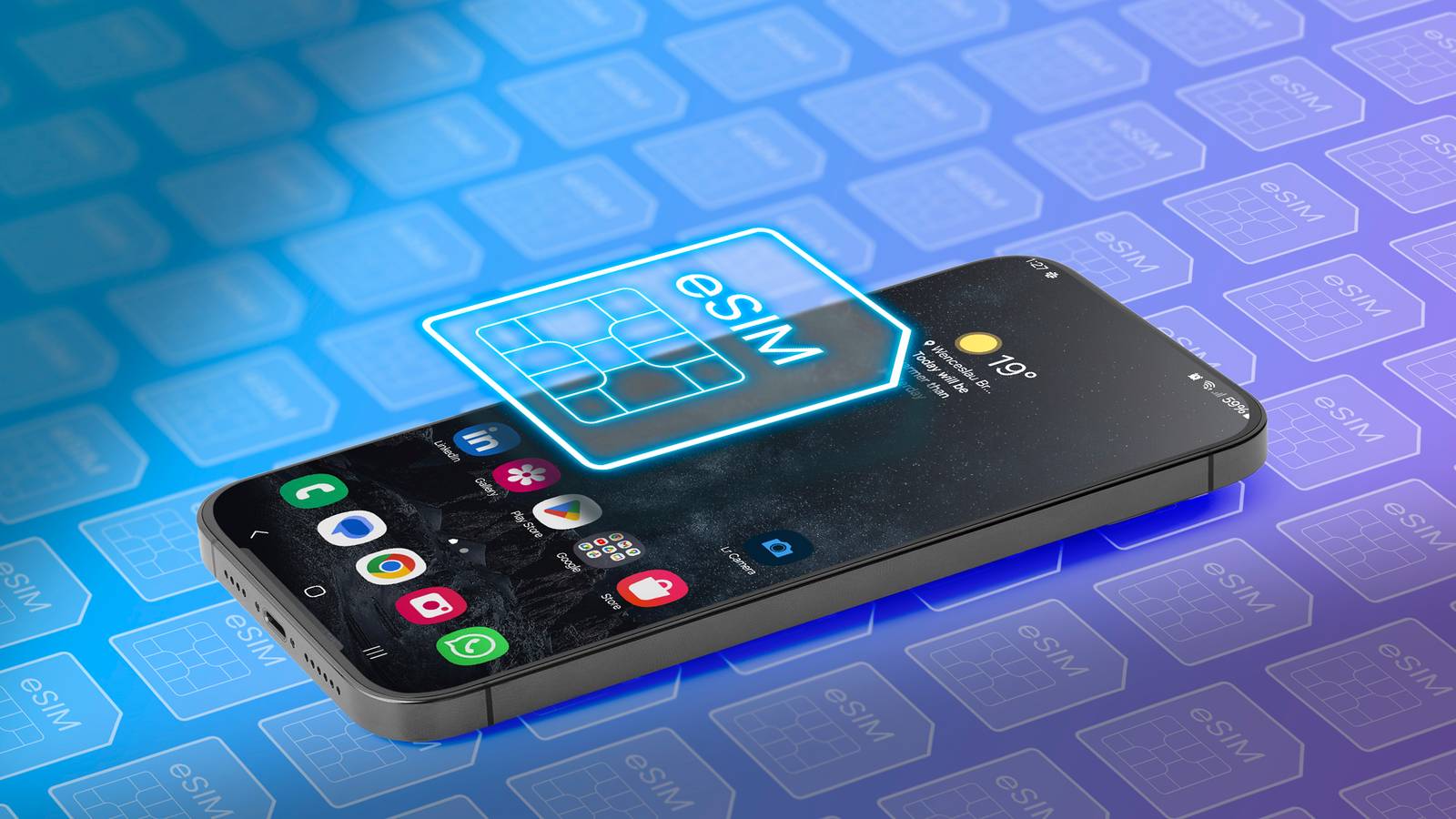
eSIM technology has revolutionized the way we connect our devices, eliminating the hassle of physical SIM cards and the need for carrier visits. While it boasts enhanced security and convenience, daily use reveals some significant drawbacks. Users may find themselves longing for the simplicity of physical SIMs when faced with network errors or traveling to regions where eSIM support is scarce.
One primary concern is that switching phones with an eSIM can be cumbersome. Unlike the straightforward process of swapping a physical SIM card, which involves merely removing and reinserting the card, transferring an eSIM requires navigating through cellular settings on the old device. This process involves generating a QR code and scanning it on the new phone, a task that adds unnecessary complexity and time to what should be a simple switch. Furthermore, after the transfer, users often face delays in activation, which can take several hours or, in some instances, even longer if messaging services are temporarily blocked.
Switching Devices: A Complicated Process
The Quick SIM Swap Convenience Is Gone
The ease of switching devices is one of the most underrated advantages of physical SIM cards. When transitioning to an eSIM, users may not realize how reliant they were on the simplicity of a physical SIM until they encounter the challenges of transferring their service. The digital nature of eSIM ties the service to the device, complicating what was once a quick and easy process. This added friction can become particularly frustrating during urgent situations where communication is crucial.
Moreover, if a device malfunctions or becomes unusable, recovering the eSIM can turn into a significant hassle. Unlike a traditional SIM that can be easily removed, an eSIM often requires contacting the carrier for assistance, which can lead to prolonged downtime and frustration.
Challenges in Basic Troubleshooting
The Classic SIM Reset Trick Is Gone
For those familiar with mobile troubleshooting, one well-known fix is to remove and reinsert the SIM card. This straightforward method has been effective for resolving network issues, dropped calls, and mobile data problems. However, with eSIMs, this quick fix is no longer an option. If the device itself encounters problems, such as failing to boot or having a damaged screen, transferring the eSIM becomes even more complicated. Users are left with few options and often must rely on their carrier for support, which can be a time-consuming process.
Compatibility Issues
Your Backup Phone May Not Support It
Though eSIM has been gaining traction, not all devices support this technology. Users may find themselves in a situation where they need to switch to a different phone temporarily, only to discover that it doesn't support eSIM. This often necessitates deactivating the eSIM and obtaining a physical SIM from the carrier, complicating what was once a seamless experience. With a physical SIM, users had the flexibility to switch devices without concern over compatibility.
International Travel Complications
Not Every Country Is Ready for eSIM
As eSIM-only devices gain popularity, particularly in the United States, many travelers may expect the convenience to extend globally. However, eSIM adoption varies significantly by region, and in some places, physical SIM cards remain the standard. Travelers may find that their eSIM-only phones become ineffective in countries where eSIM services are unavailable. Additionally, the potential for higher costs associated with eSIMs in certain regions can add to the inconvenience, along with the possibility of delayed activation when trying to connect in a foreign country.
eSIM Is the Future, but It Will Take Time
Ultimately, eSIM technology represents the future of mobile connectivity, offering advantages such as increased security, improved water resistance, and the potential for larger batteries. However, the trade-offs associated with eSIM usage—especially for frequent travelers and users who switch devices often—cannot be ignored. While eSIMs promise to simplify connectivity, users may find themselves grappling with challenges that make them question whether the switch was worth it.
Source: MakeUseOf News